solana
How to Stake Solana (SOL) in the Exodus Desktop Wallet: a Beginner’s Guide
If you have invested or are planning to invest in the Solana cryptocurrency, you can get additional income by means of staking. In order to
MAY 01, 2021
Last updated JUN 19, 2026 · V1
If you have invested or are planning to invest in the Solana cryptocurrency, you can get additional income by means of staking. In order to start, you will need a staking crypto wallet with a number of SOL tokens. In How to stake Solana SOL: a beginner’s guide we explore the main aspects of Solana staking. From this guide you will find out learn how to stake SOL using the Exodus desktop wallet.
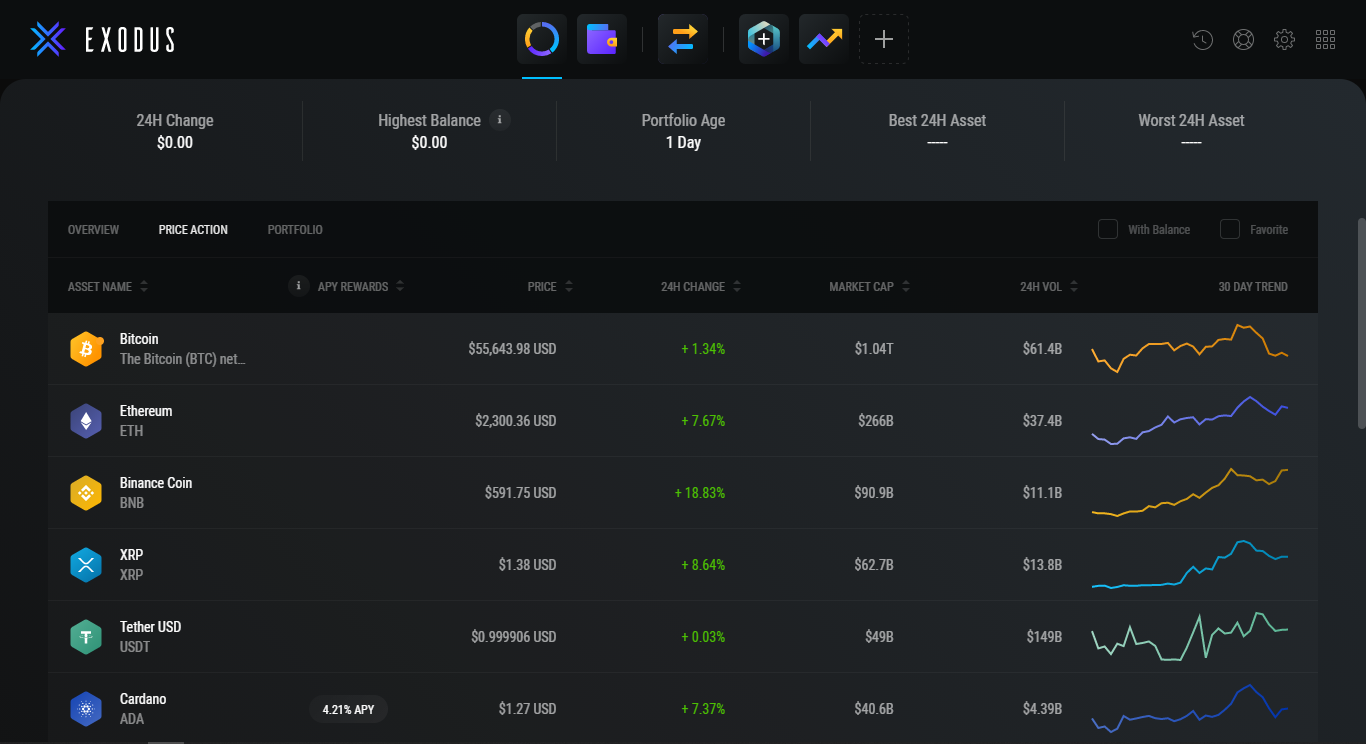 The wallet is ready to go, but you need to secure it first. To do this, go to the section Settings (located in the upper right corner).
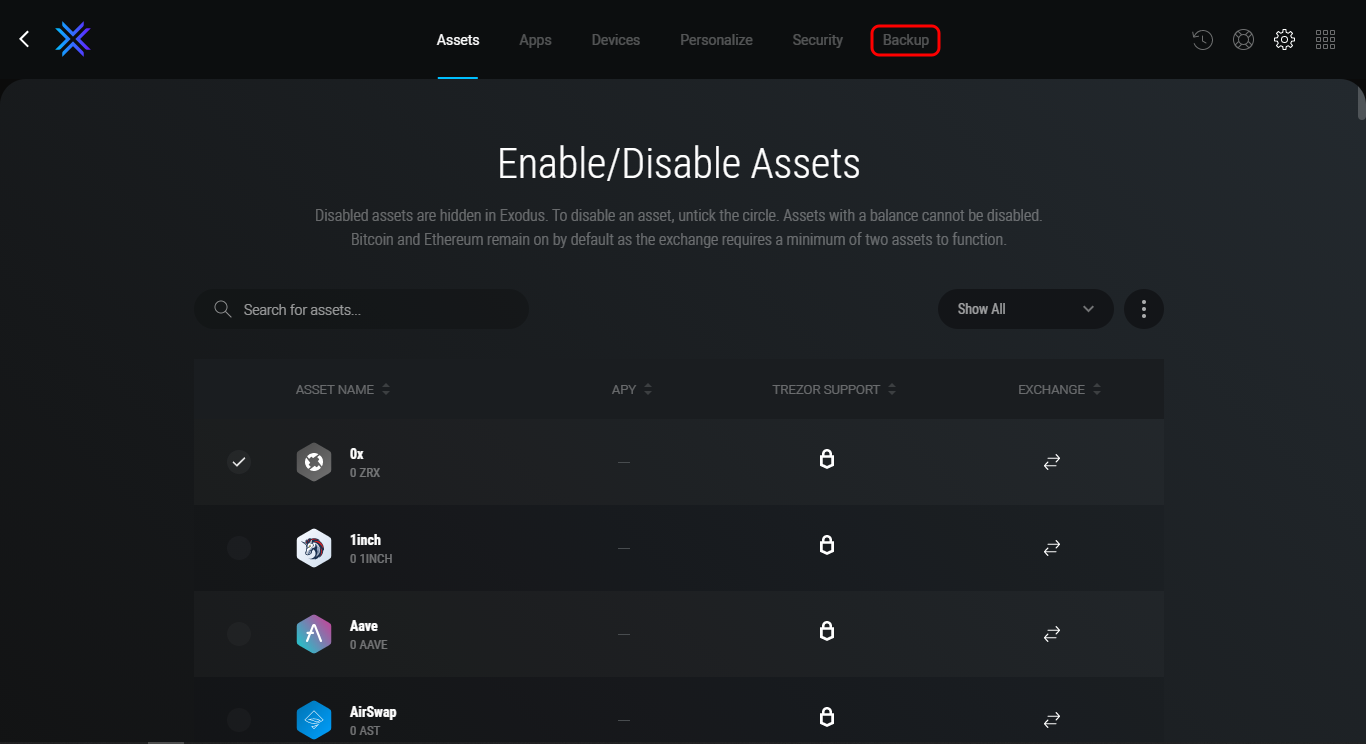
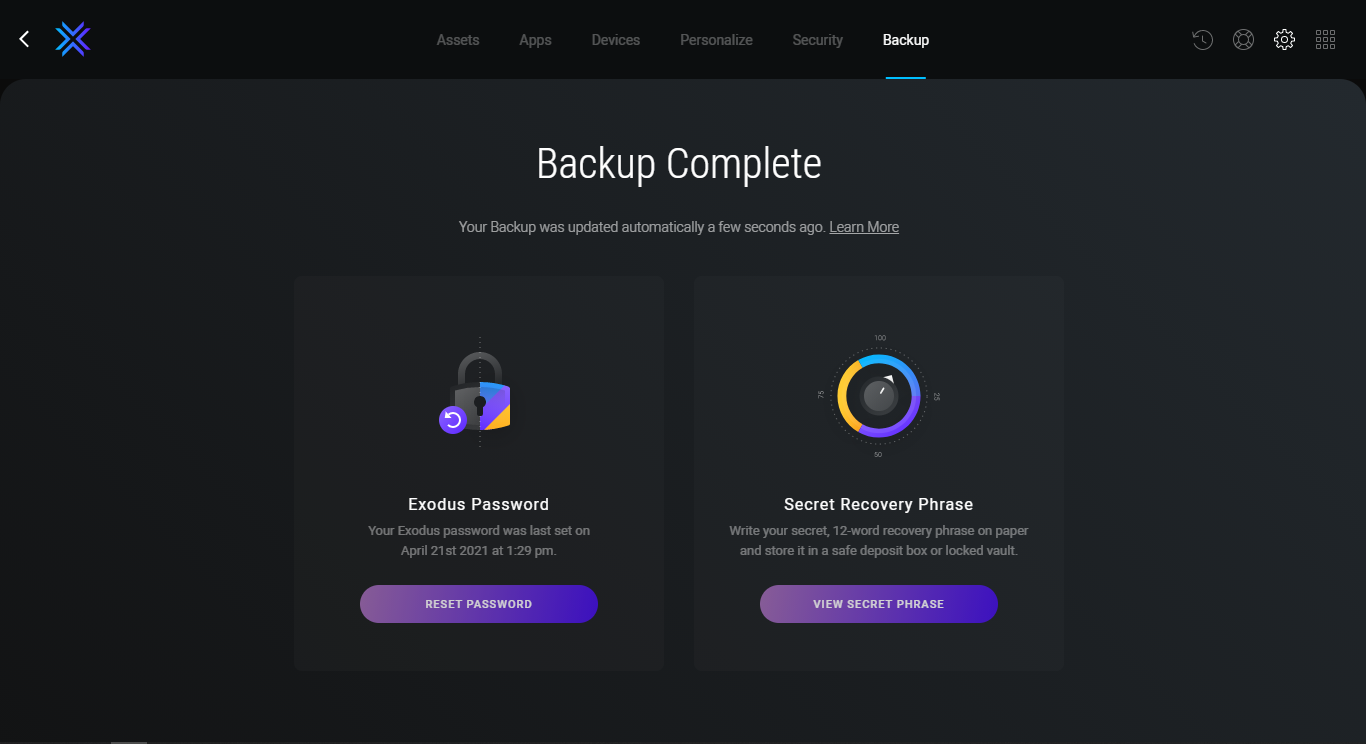
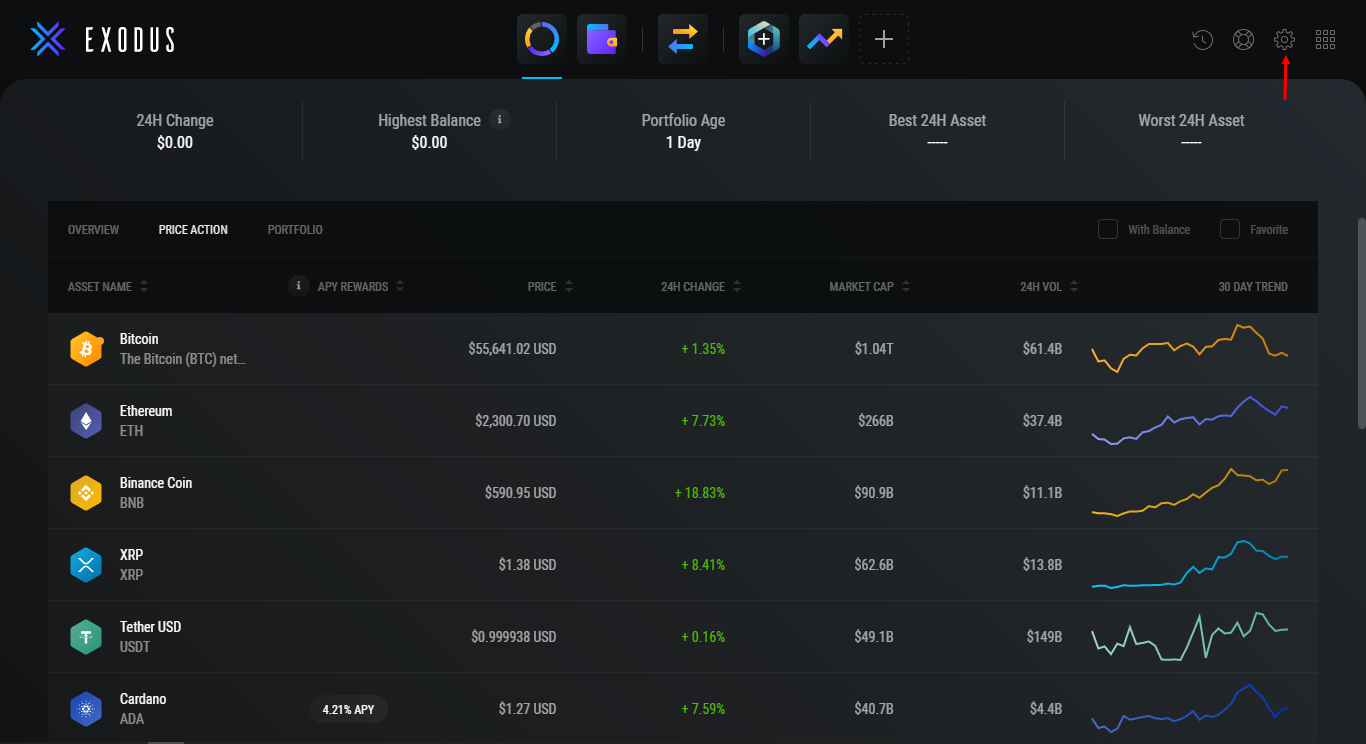 Then open the tab Backup. After that, you will need to create a password to encrypt the wallet and create a backup.
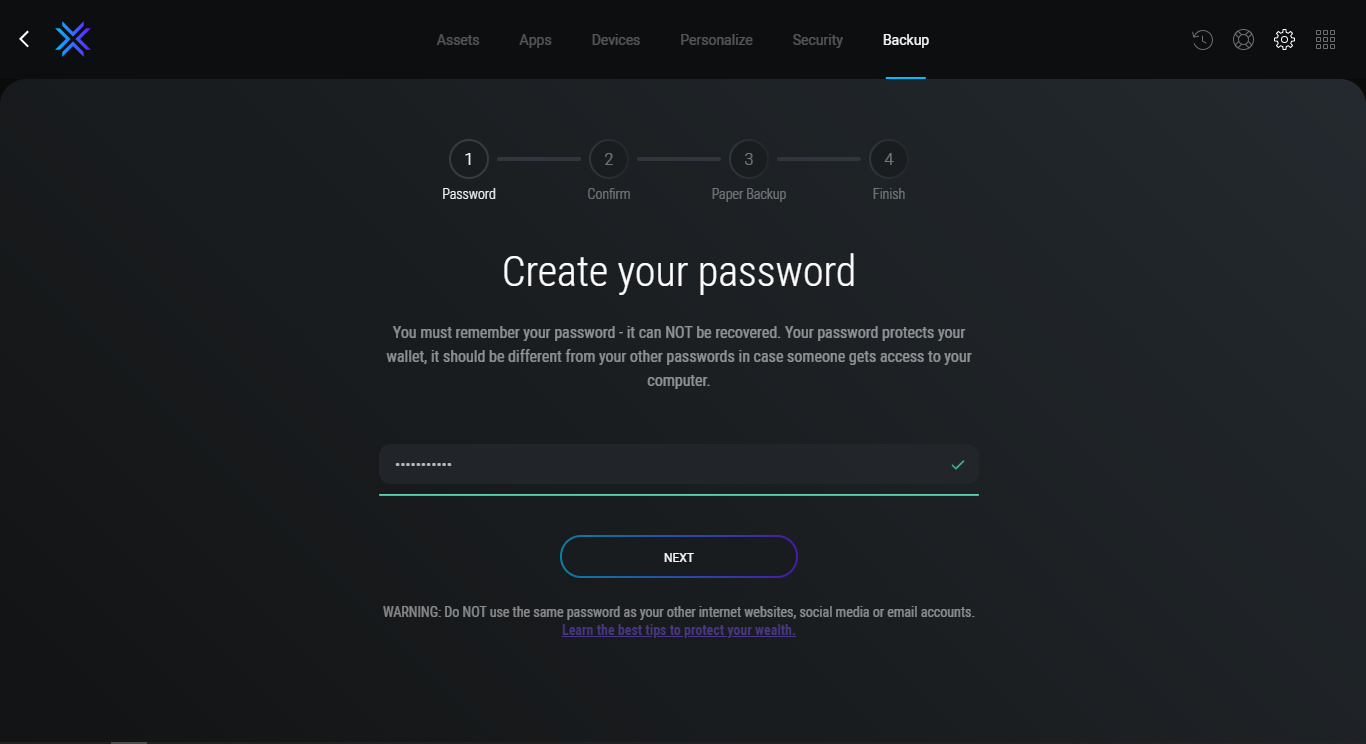
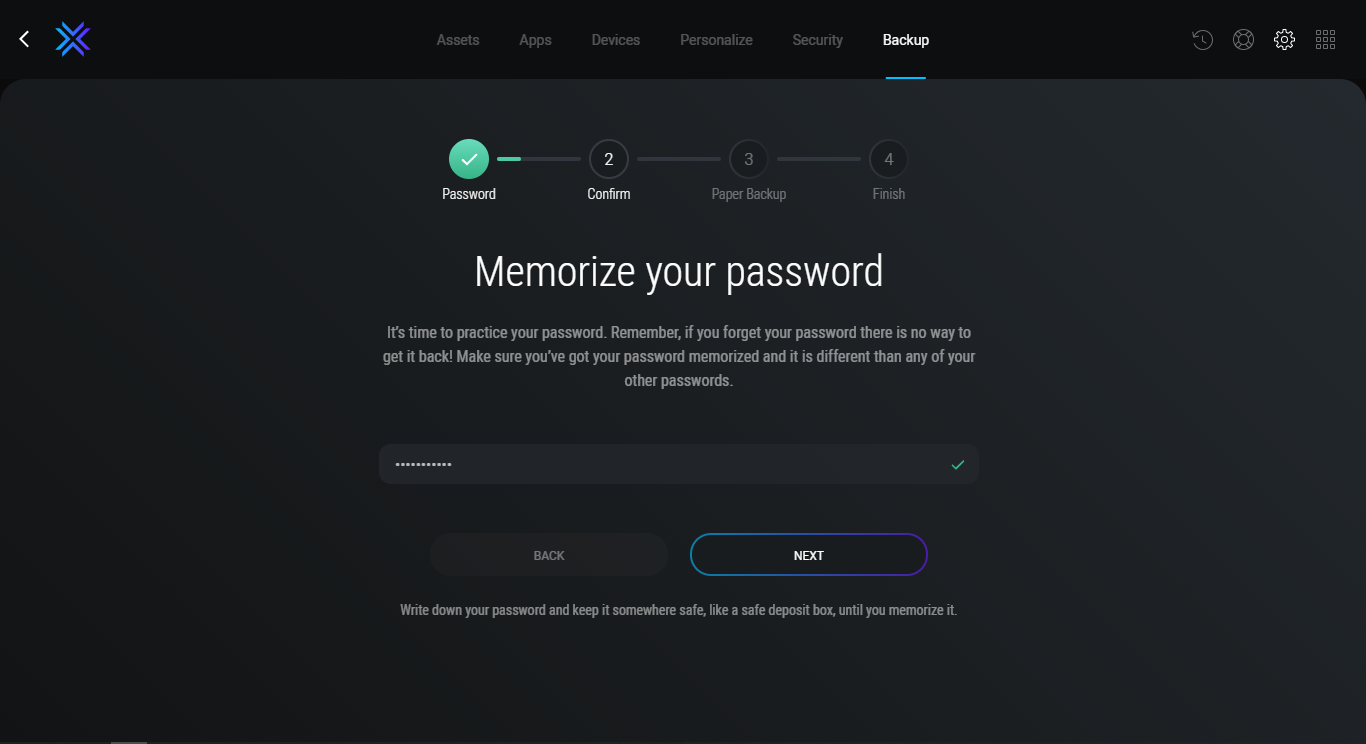
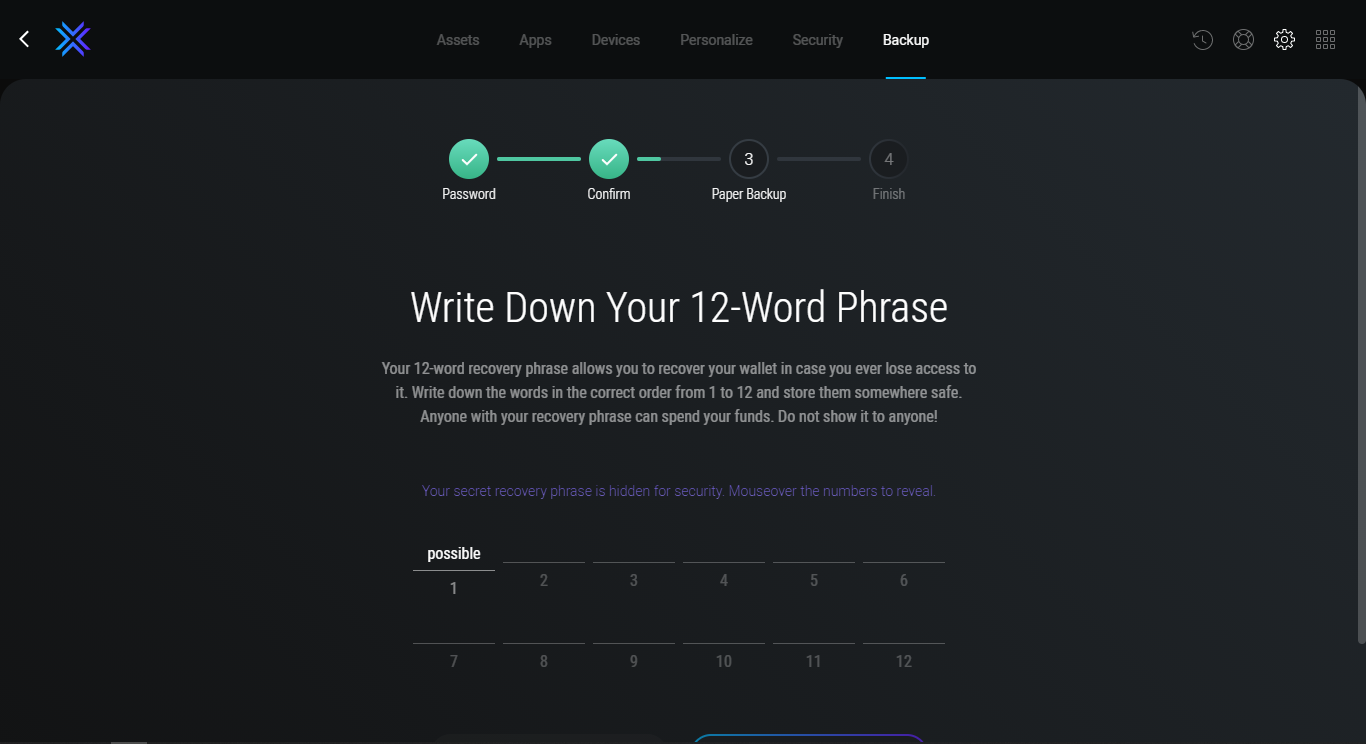
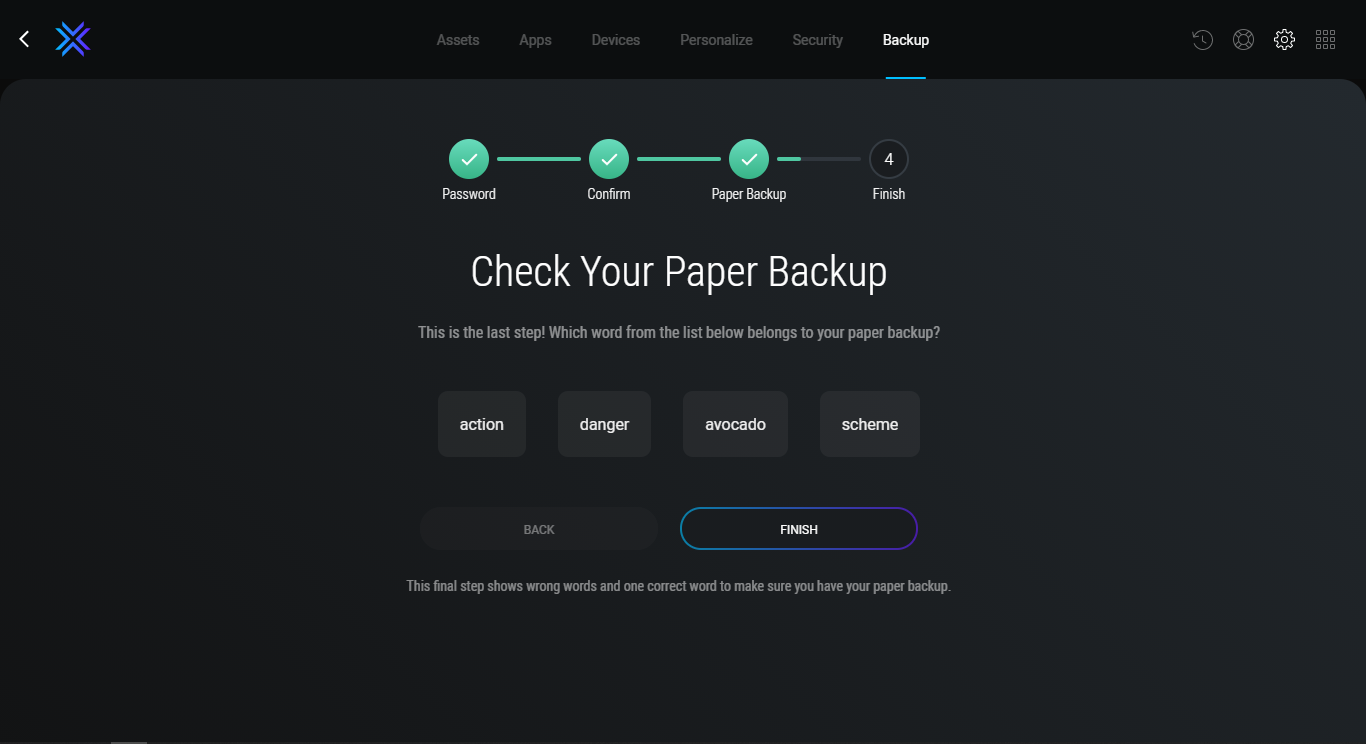 If everything is done right, you will see a message on the screen: Backup Complete.
 Method 2
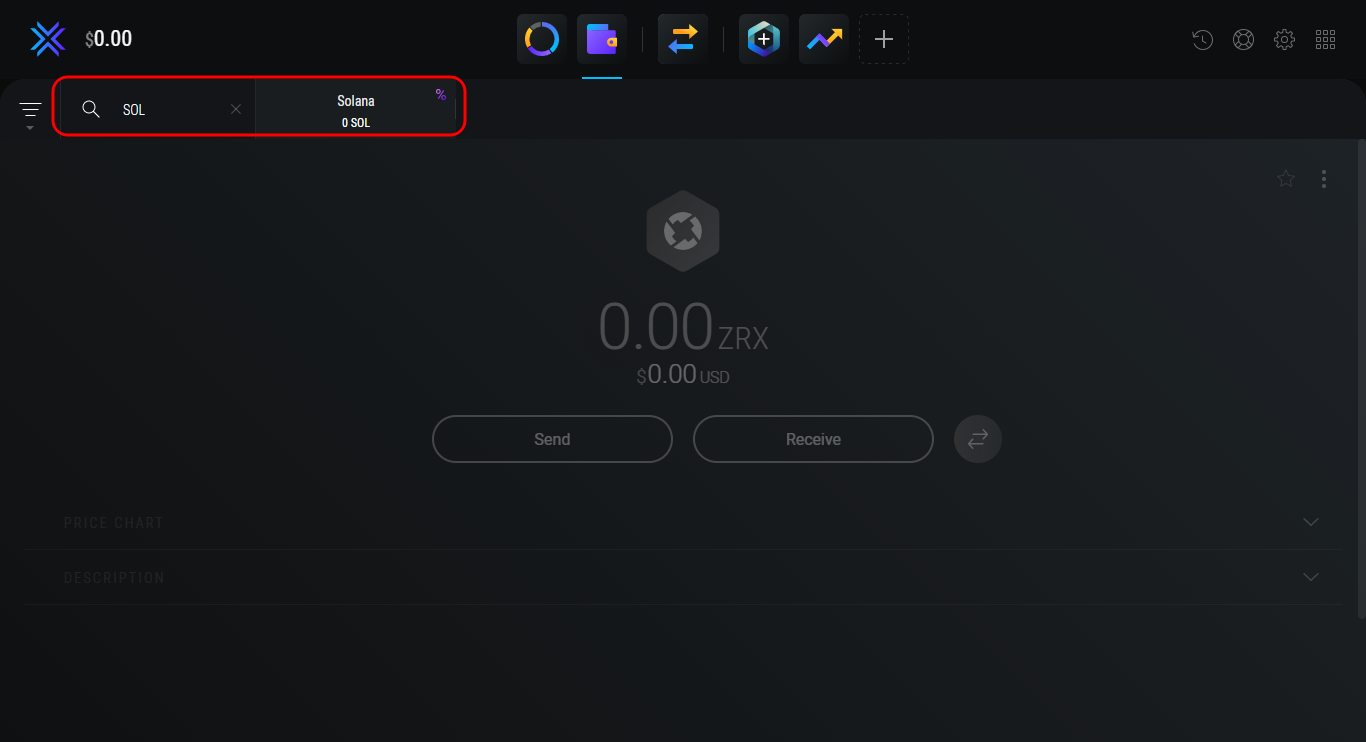
Open the section Wallet and enter the SOL token ticker in the search box to quickly find the wallet, and then click on it. After that, you can proceed to obtaining an address.
Method 2
Open the section Wallet and enter the SOL token ticker in the search box to quickly find the wallet, and then click on it. After that, you can proceed to obtaining an address.
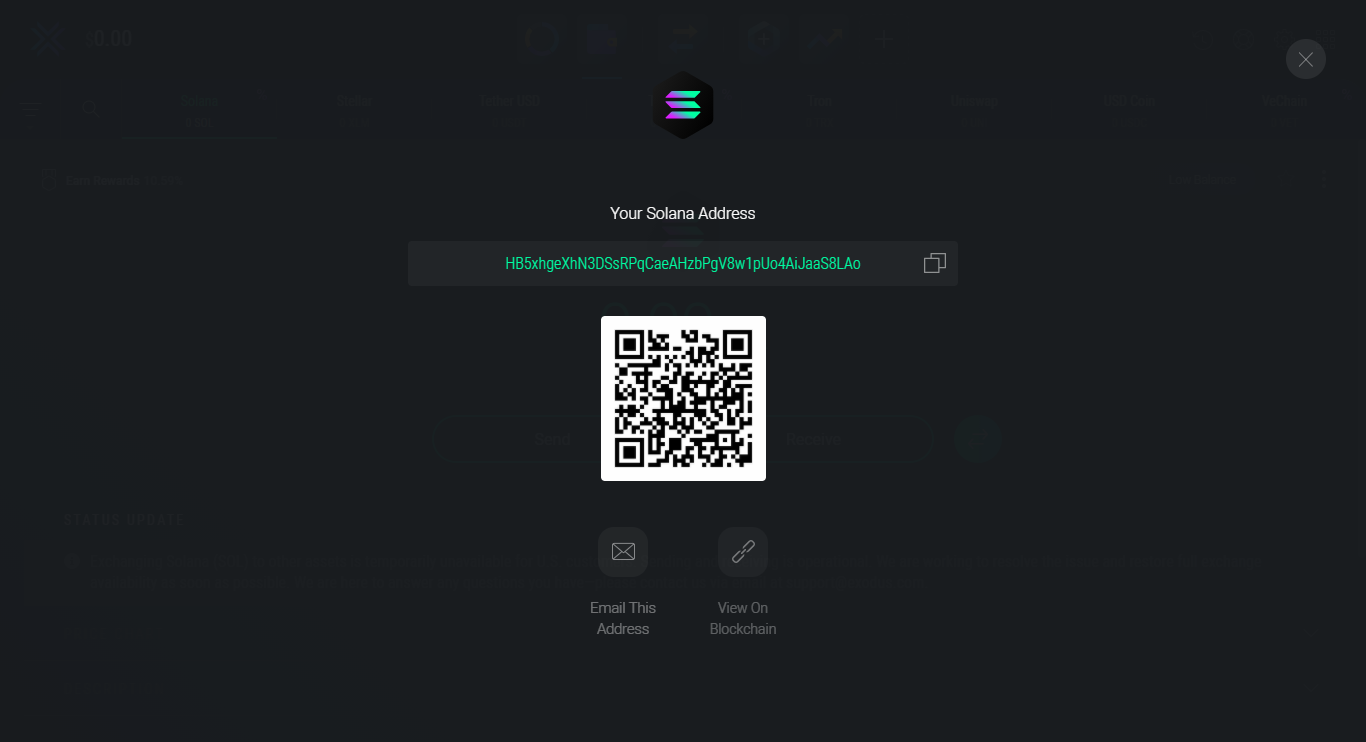
 A QR code will open with the SOL wallet address. Top up the wallet in any convenient way and proceed to delegation. You can also send the address to receive tokens by email. If you click the button View On Blockchain, you can track all transactions in this wallet. After staking SOL, we’ll show you how to get a transaction ID and track its status on the blockchain.
Note. If you just close the window by clicking on the cross in the upper right corner, you will return to the wallet and can immediately stake SOL tokens.
A QR code will open with the SOL wallet address. Top up the wallet in any convenient way and proceed to delegation. You can also send the address to receive tokens by email. If you click the button View On Blockchain, you can track all transactions in this wallet. After staking SOL, we’ll show you how to get a transaction ID and track its status on the blockchain.
Note. If you just close the window by clicking on the cross in the upper right corner, you will return to the wallet and can immediately stake SOL tokens.
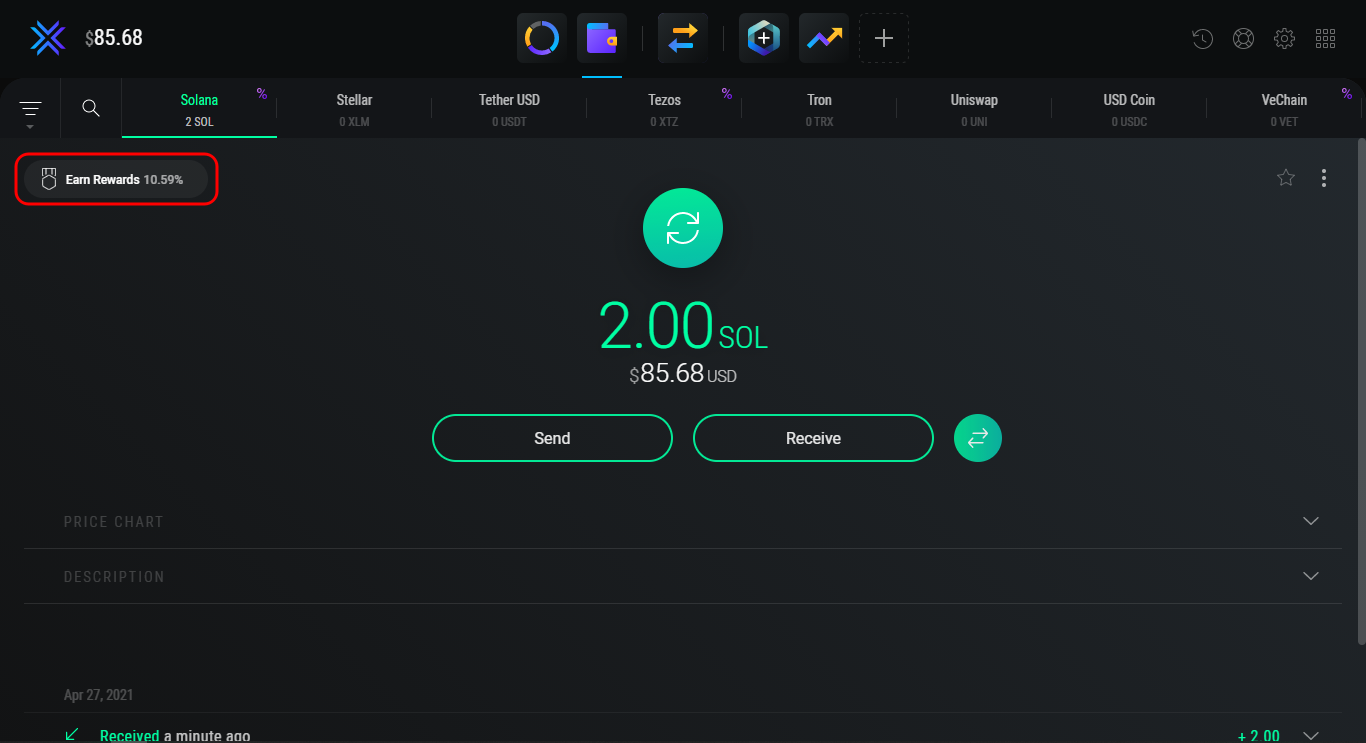
 The coins are in the wallet and are available for staking.
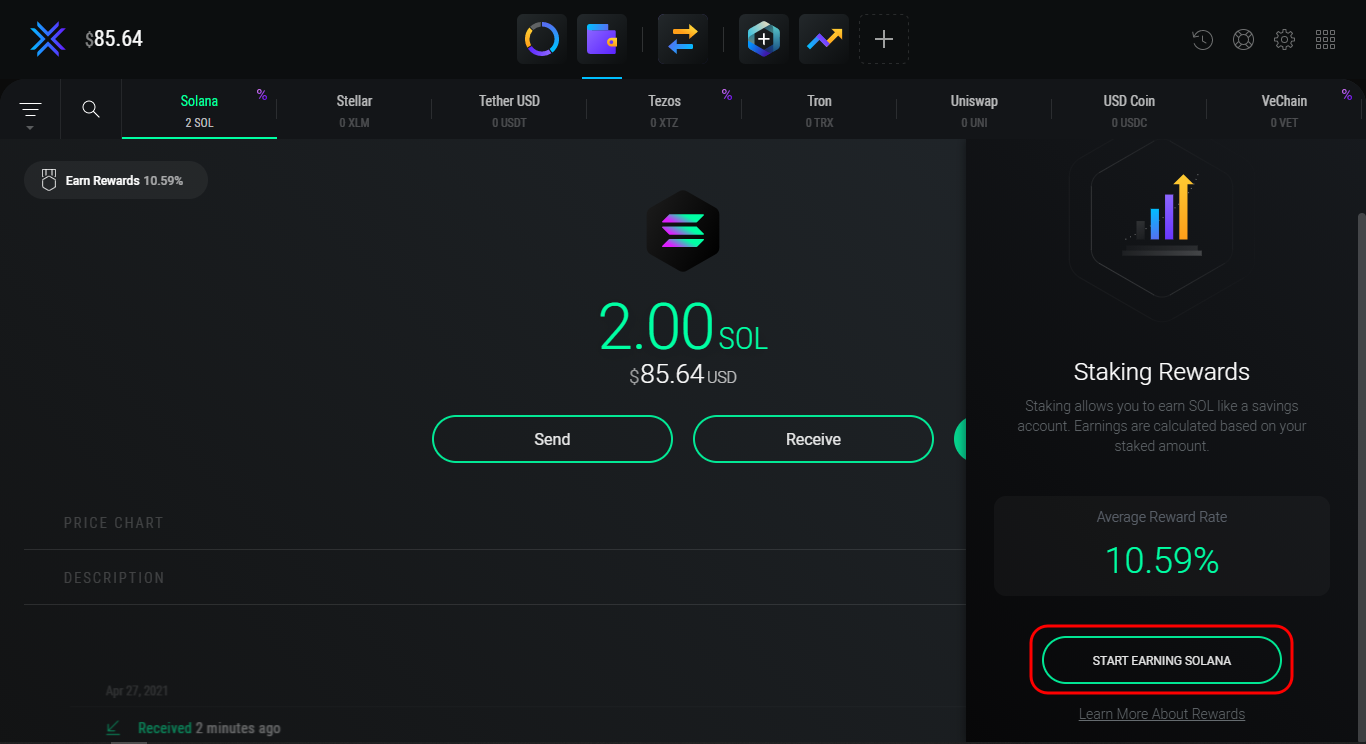
 Solana offers a yield of 10.56% per annum. Click Start Earning Solana to continue.
 Enter the number of tokens and click Stake SOL. You can also set 25%, 50%, and 100% of the number of tokens in the wallet with one click.
Note. Leave some tokens to pay for future transactions. They will come in handy when you collect rewards or need to withdraw SOL tokens.
Enter the number of tokens and click Stake SOL. You can also set 25%, 50%, and 100% of the number of tokens in the wallet with one click.
Note. Leave some tokens to pay for future transactions. They will come in handy when you collect rewards or need to withdraw SOL tokens.
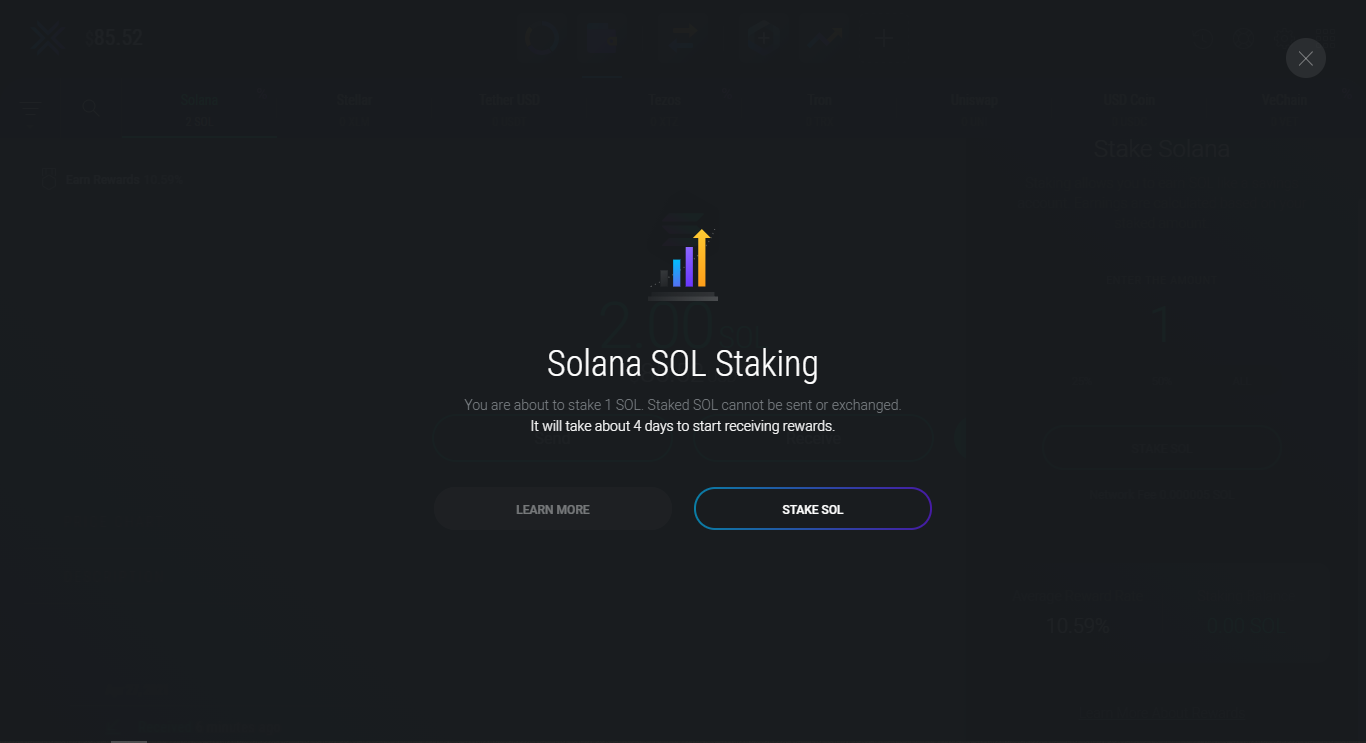
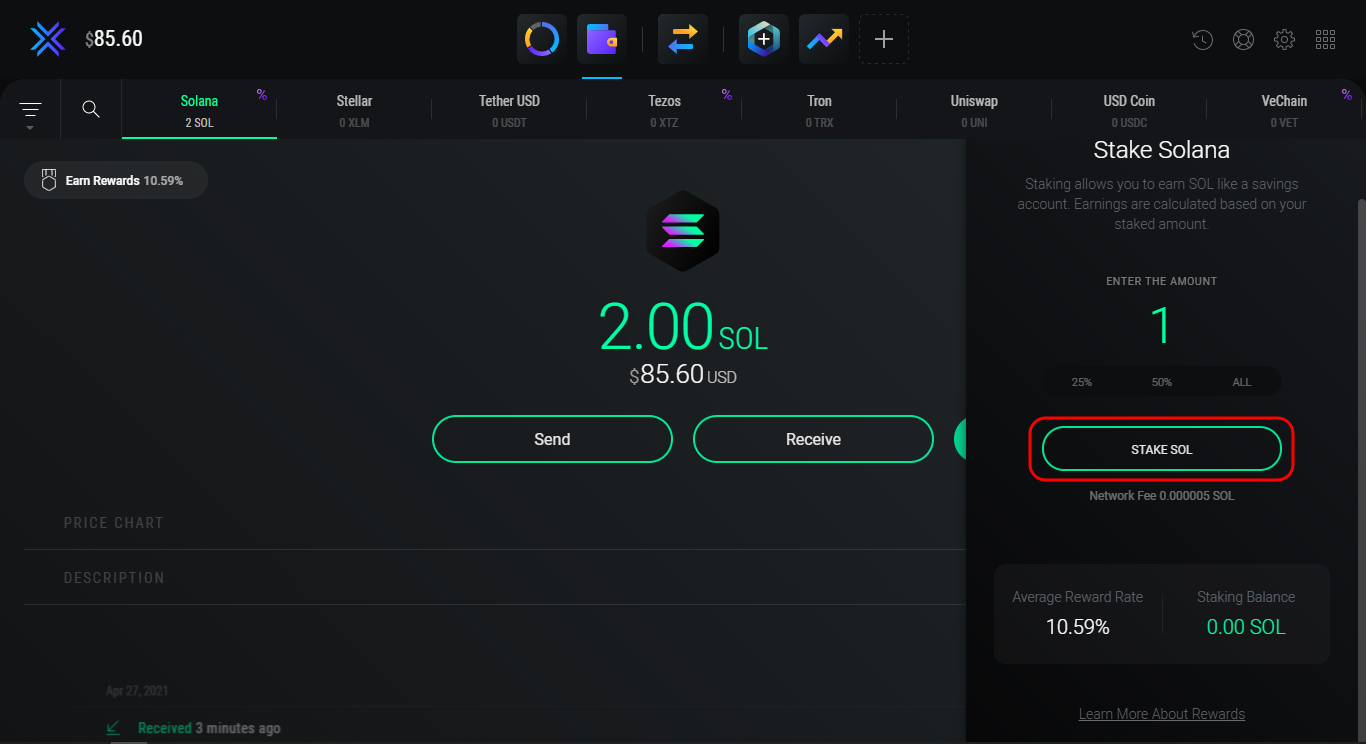 Confirm the transaction by clicking Stake SOL again. The rewards will start arriving in 4 days, and after the unstake, the coins will go to the wallet in about 2 days.
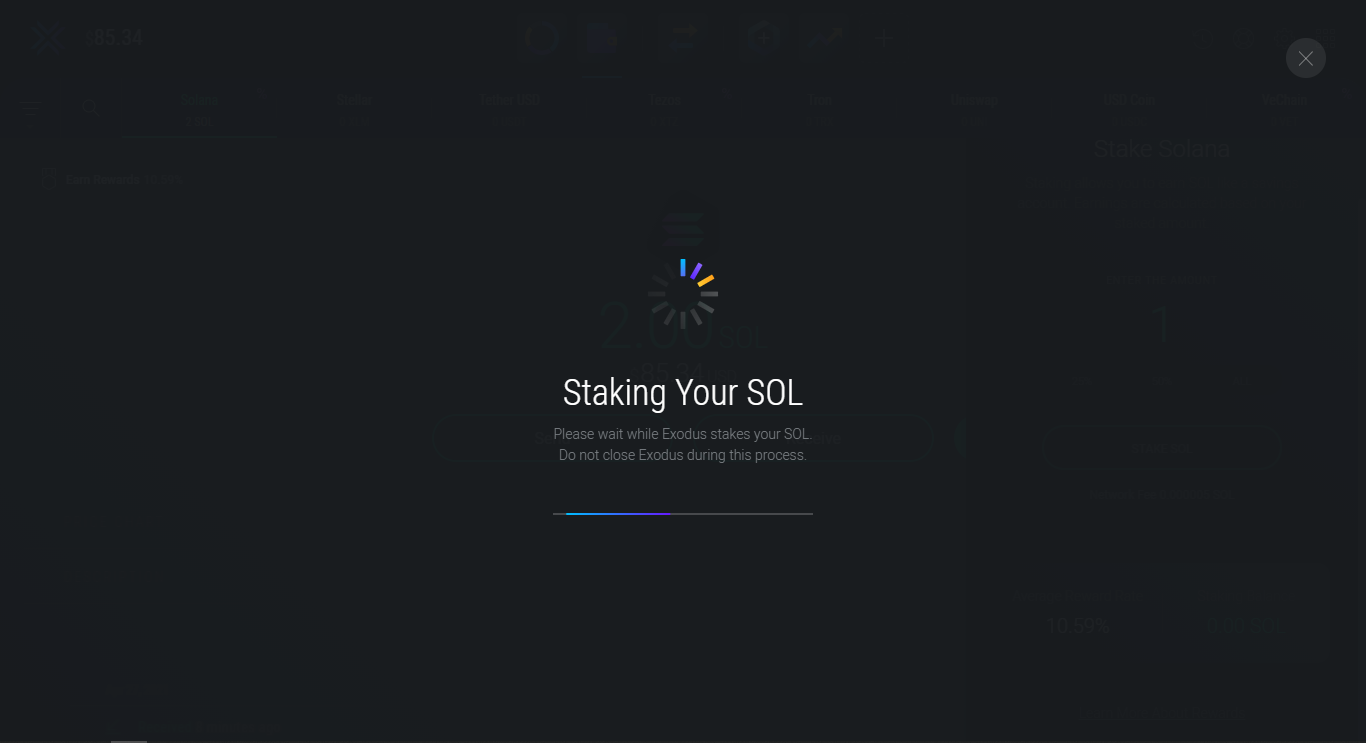
 Wait a bit – validators must confirm the transaction and write it to the blockchain. This usually takes less than a minute.
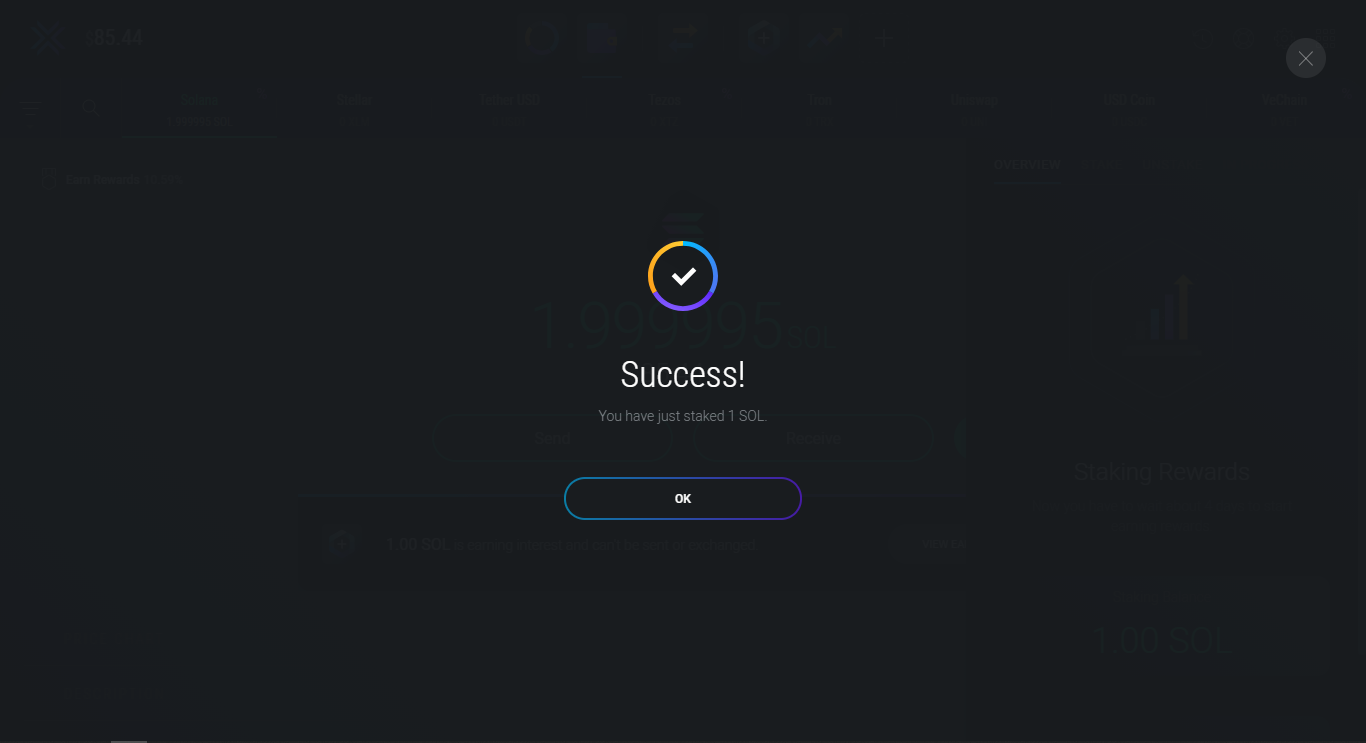
 Excellent! SOL tokens have been successfully staked to validator Everstake. Remember to withdraw rewards at least from time to time or reinvest them to increase your profitability. Click OK to return to the wallet.
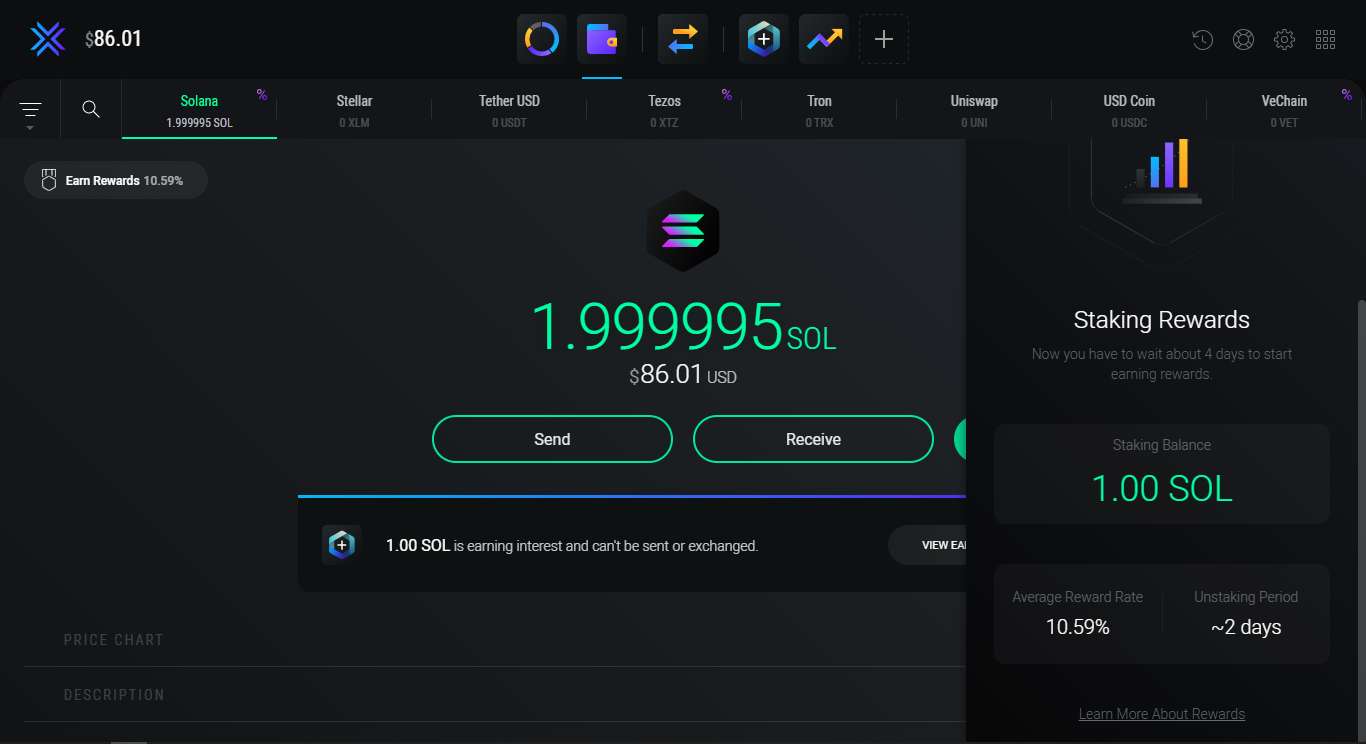
 A new message will appear in the wallet, stating that staked tokens are not available for withdrawal and exchange. To collect rewards as soon as they become available, click View Earnings.
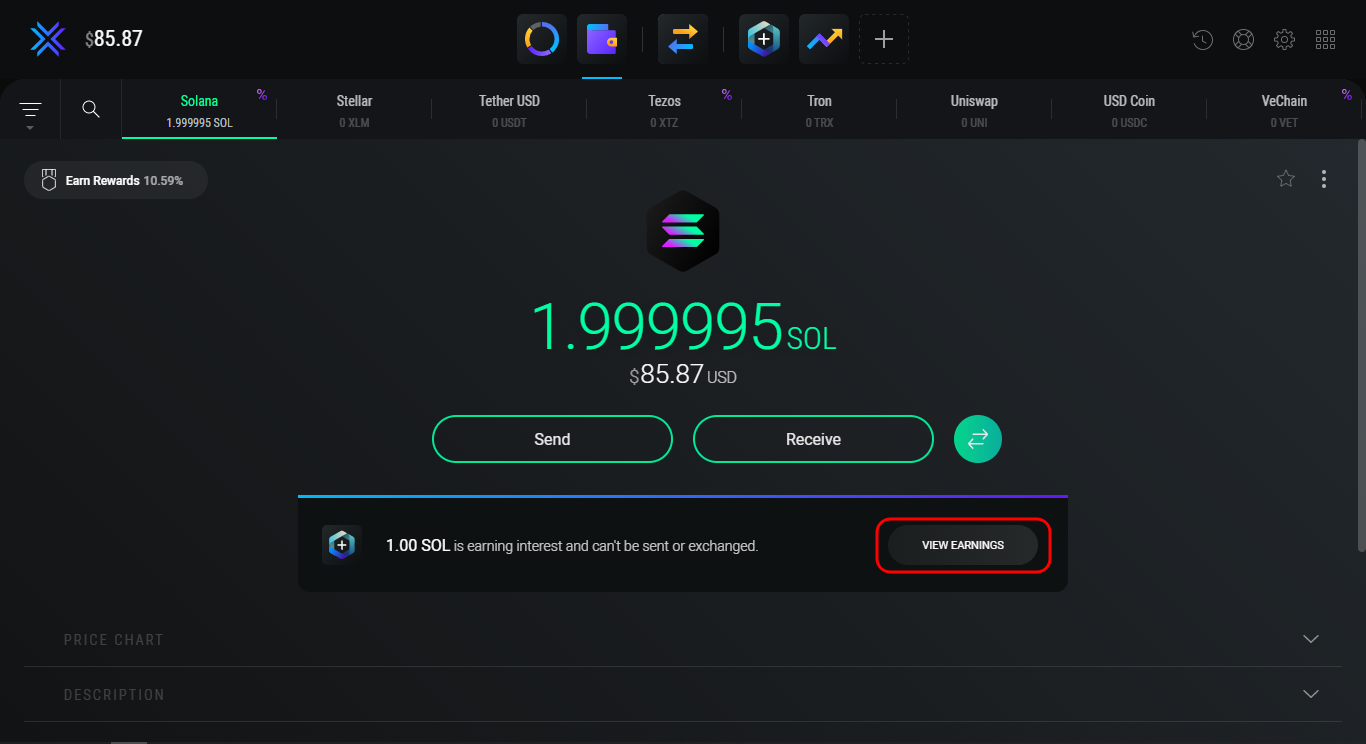 In this section, after 4 days, the first rewards in the Exodus wallet will be credited. Here you can also stake/re-stake or withdraw SOL tokens at any time.
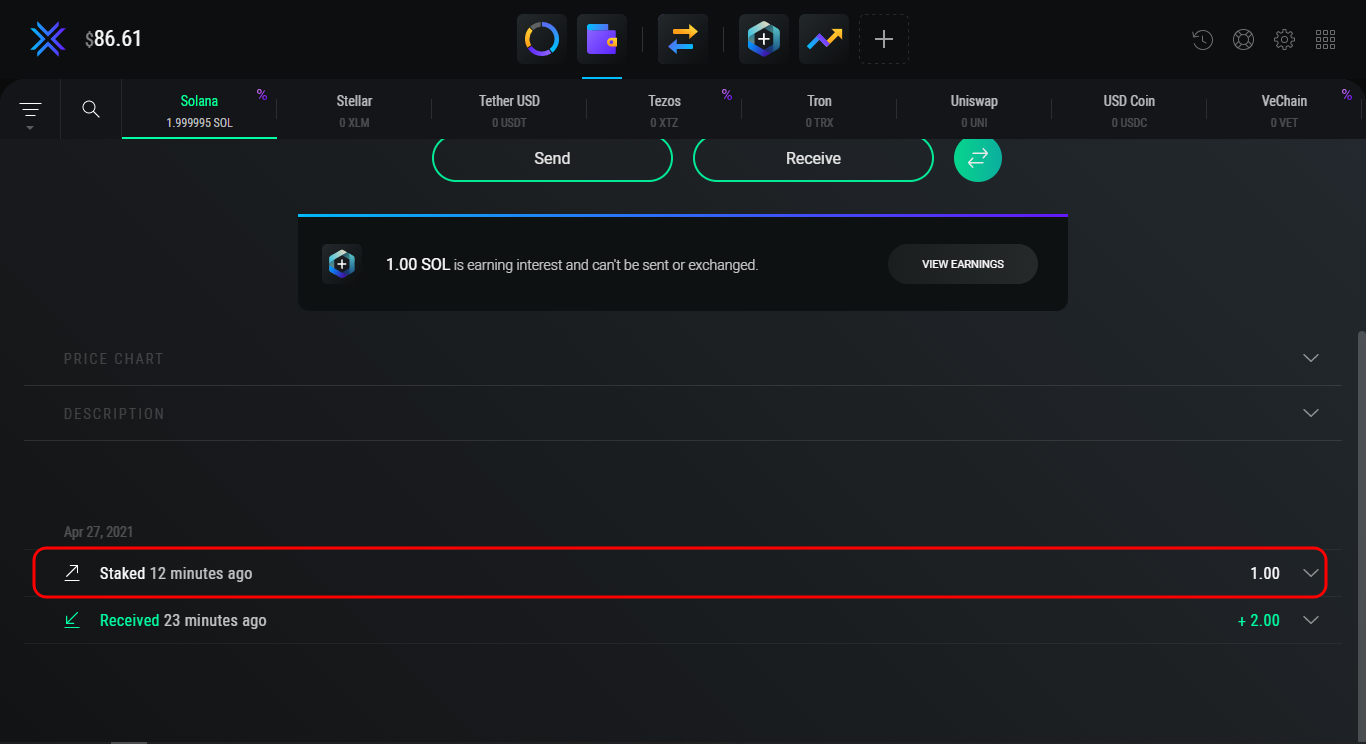 Then click on the selected transaction to expand it, and the transaction ID will be displayed.
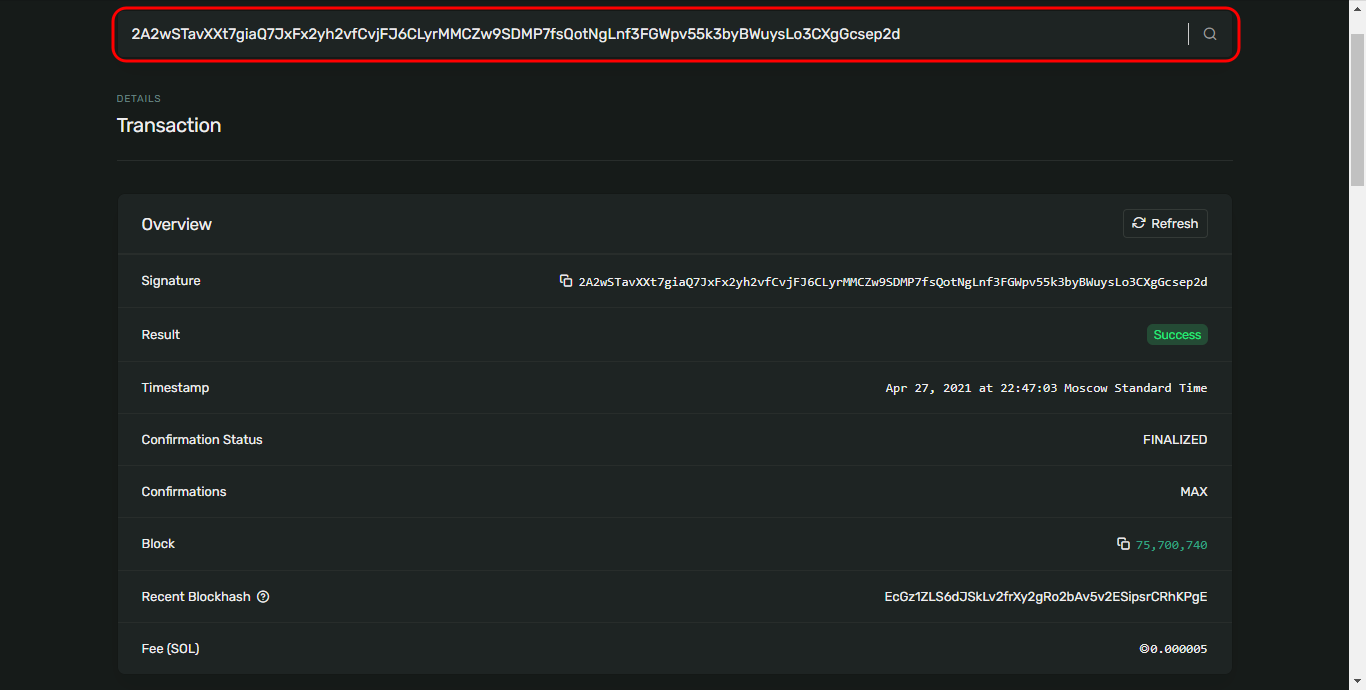
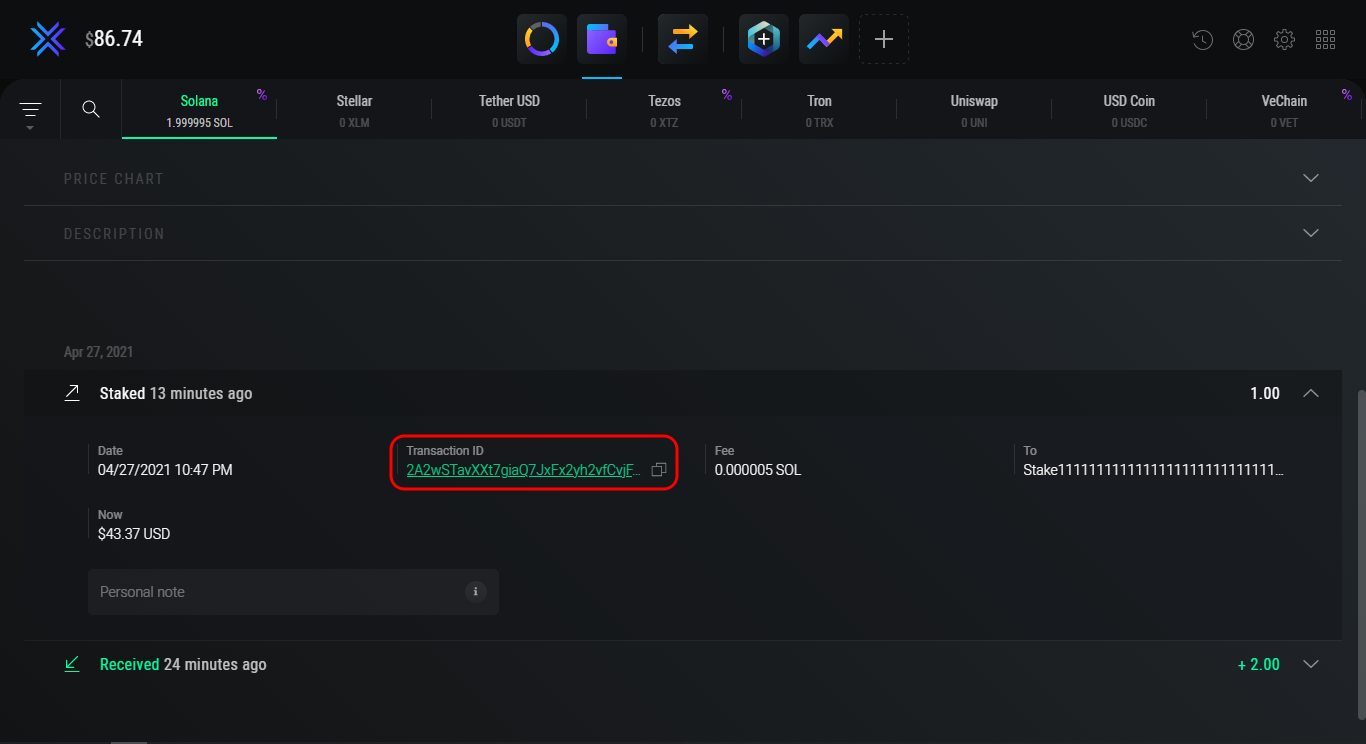 Now you can simply click on the Transaction ID or copy it to the clipboard, and then paste it into the search bar of the Solana blockchain explorer to view the details of the transaction:
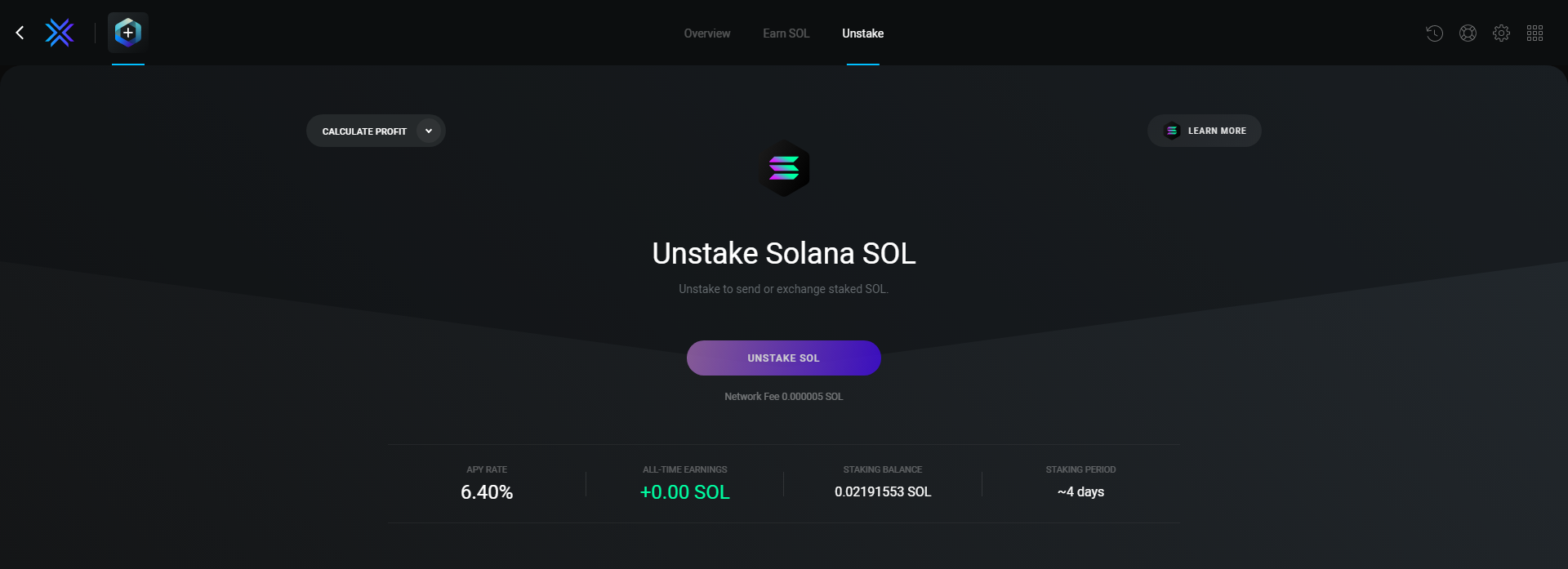 Then, press the Unstake SOL button. After the mentioned step, a small message-box will appear, which will ask you to confirm all the details. If the information provided is correct, press the Unstake SOL button again. Then, Please wait while Exodus unstakes your SOL. Do not close Exodus during this process.
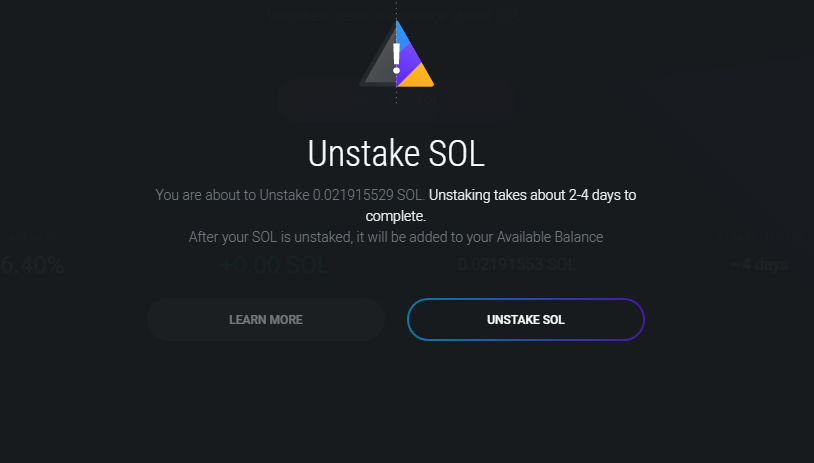 Success! You have just undelegated your accounts. Your funds will be withdrawn after the cooldown period.
Check Everstake Twitter and Discord for the latest updates.
And If you have any questions you can always contact our Solana Blockchain Manager on Twitter.
Success! You have just undelegated your accounts. Your funds will be withdrawn after the cooldown period.
Check Everstake Twitter and Discord for the latest updates.
And If you have any questions you can always contact our Solana Blockchain Manager on Twitter.
Solana changed minimum amount of stake from 0.01 SOL to 1 SOL as of June 18, 2026. The change affects only new stakes. No action is required from users. Check out the current minimum delegation amount on our staking dashboard.
How to Install Exodus on Your Computer
Go to the Exodus website and download the version of the wallet for your operating system. The instructions for creating a wallet and staking are suitable for all operating systems. The only difference will be the particularities of the installation. You can also download the distribution from one of the links: The distribution will be installed automatically. Let’s examine the process of creating a wallet using the example of the Exodus program for Windows.Creating a new wallet
Start the Exodus program. The wallet is created automatically. In this regard, Exodus is the simplest and fastest wallet to work with. At the same time, in terms of security, it is not inferior to other crypto wallets, which involve a complex procedure for creating a wallet. Once launched, you have access to the wallet interface. The home page will display statistics on your portfolio: In the Exodus wallet, you can store over 100 different crypto assets, add and remove wallets, exchange cryptocurrencies through the built-in exchange, and more. Also, the desktop version of Exodus supports decentralized applications (DApps) and the integration of Trezor hardware wallets. But the desktop version is not as convenient as the mobile version, and it is difficult to use it while on the road.Backing Up Exodus Wallet
Creating a backup will help keep your funds safe. In case you lose the device on which the wallet is stored, you can restore access to it on any other device (including mobile ones) using the backup phrase. Before you start, we recommend that you familiarize yourself with the rules for safe storage of the secret phrase (seed). By following these rules, you will save yourself from possible theft and loss of funds. Unfortunately, such cases are not uncommon among beginners. Now we will describe to you how to protect your wallet.Step 1. Create a Strong Password for Exodus
A strong password should consist of numbers, case letters, and special characters. The longer the password, the better. For security purposes, the password must be at least 12 characters long. If you find it difficult to come up with a password yourself, use password generation services, for example, Passwords Generator. Enter a new password and click Next.Step 2. Confirm Your Exodus Password
The passwords must match. In case you forget your password, the wallet can only be restored using a seed phrase. Enter the password you created again and click Next again.Step 3. Write Down the Recovery Phrase
Take a pen and paper and write down the backup phrase. We hope you’ve read our tips for storing seed phrases. Remember: without these, you will not be able to restore the wallet if you forget your password or lose the device on which the wallet is stored. Hover over the words to display them. Write them down in the same order as they appear on the screen.Step 4. Confirm the Seed-phrase
Simply select the word that is contained in your backup phrase and click Finish.Funding Exodus Wallet
You have created a new wallet and made a backup copy of it, so you can safely store and use crypto assets in the wallet. To move on, you must first obtain a wallet address. In our case, this is SOL. This can be done in two ways.Method 1
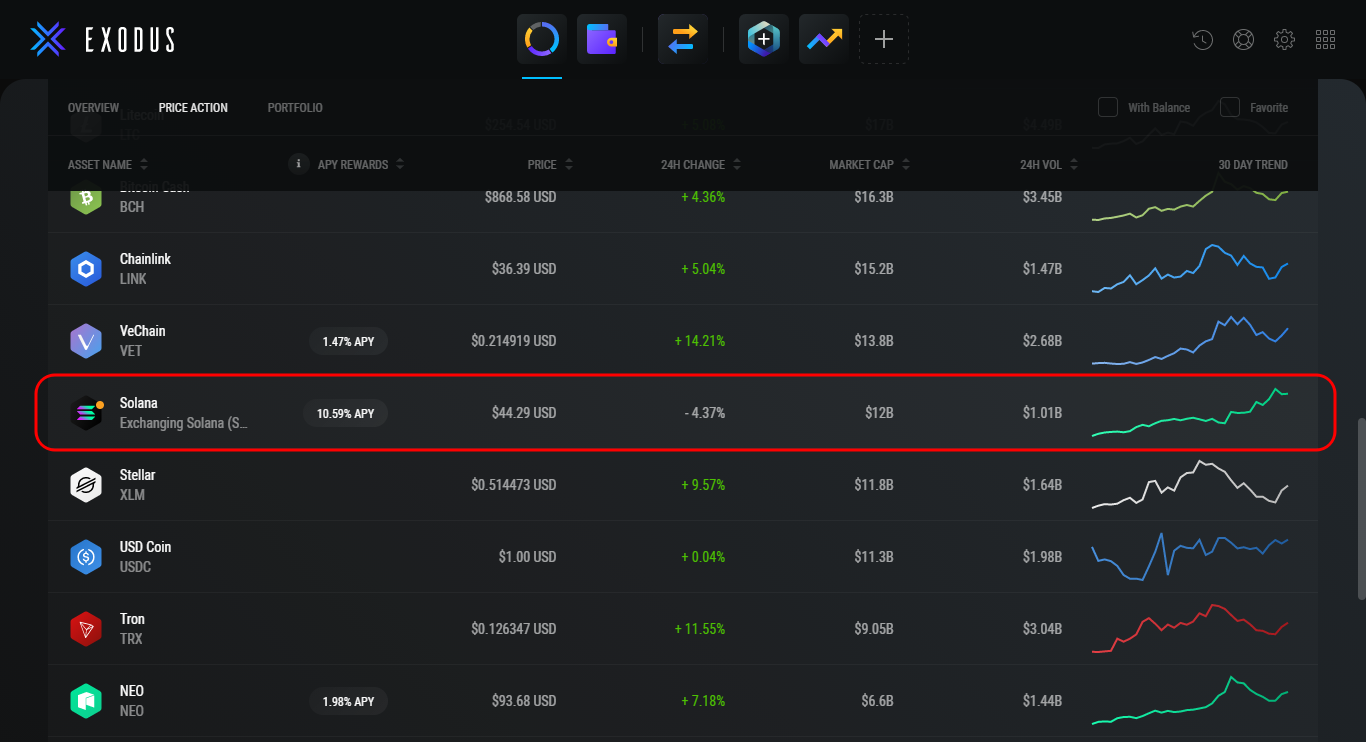
Return to the home page (Portfolio section). Note. Unlike the mobile version, the Solana wallet appears in the Exodus interface by default – it doesn’t need to be activated. However, the page Portfolio doesn’t have an easy search function. Scroll down the page until you find the Solana wallet. Click on it to open the wallet section. All that remains is to get the SOL address.How to Get a SOL Address at Exodus
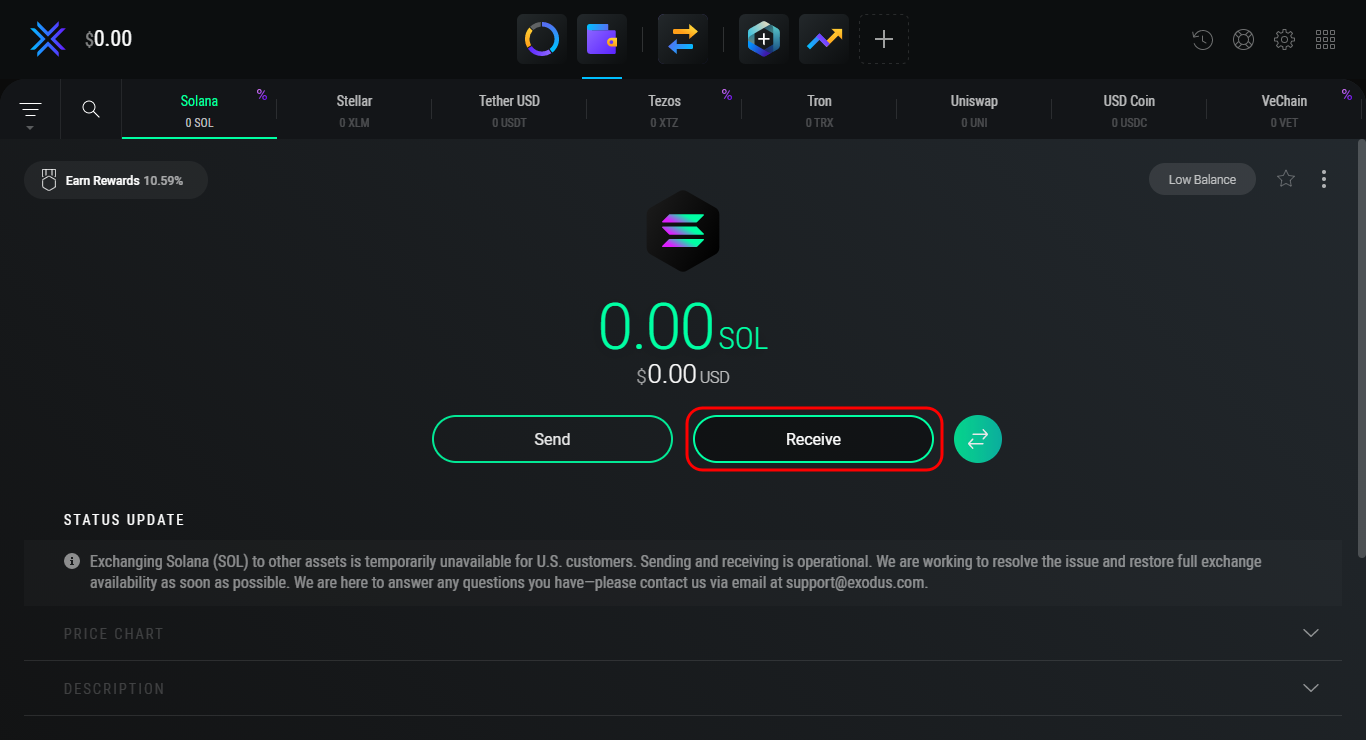
On the wallet page, just click the button Receive.Delegating SOL Tokens
Open the wallet, if you closed it earlier, and click on the button in the upper left corner: Earn Rewards.How Can I Verify a Transaction by Its ID in the Exodus wallet?
This is very easy to do. The wallet displays any transactions that you have made: receiving and sending coins, staking, unstaking, withdrawing rewrites, and exchanges. To get a Transaction ID, scroll down the SOL wallet page and select the transaction you want.How to Unstake SOL via Exodus
In order to process with the aspect of unstaking, press the Unstake button, allocated at the top-right spot of the UI.Share with your network